

AI Music Generators
How to Improve Suno Audio Quality Without Changing the Song
Improve Suno sound quality with source checks, WAV export, late-song diagnosis, and cleanup before mastering. Learn how to make Suno songs sound better.
AI Music Generators
Generator-specific guides for checking the best available source, separating audible artifacts from arrangement choices, and cleaning an exported track before mixing or mastering.
Listening map
Curated path
Move from diagnosis to action in sequence. Each guide answers a different decision instead of repeating the same cleanup advice.
Category library
Improve Suno sound quality with source checks, WAV export, late-song diagnosis, and cleanup before mastering. Learn how to make Suno songs sound better.

Diagnose muffled Suno v6 exports, late-song degradation, and Replace Section seams with WAV comparisons and restrained cleanup before mastering.
A practical Meta AudioCraft cleanup guide for diagnosing long-form boundary clicks, EnCodec-like grit, high-frequency hiss, resonant mids, and unstable low end before mastering.

A listening-first guide to checking AudioX WAV renders for envelope crackle, abrupt transient decay, hiss, harshness, and low-end instability before mastering.
A practical DiffRhythm+ cleanup workflow for checking metallic vocal sheen, stereo coherence, resonances, low-end stability, and matched-loudness results before mastering.

A practical InspireMusic audio cleanup workflow for high-frequency grit, harsh synthetic attacks, unstable low end, careful DAW repair, and level-matched checks before mastering.

A practical guide to InspireSong audio quality, vocal sibilance, synthetic rasp, masking, restrained de-essing, cleanup, and checks before mastering.
A practical guide to diagnosing Meta MAGNeT audio for high-frequency buzz, parallel-decoding-like jitter, stereo drift, and low-end instability before mastering.

A practical guide to diagnosing old-vocal remnants, timbre boundary mismatch, phasey overlap, and synthetic grit in MuLaCover song-cover renders before cleanup and mastering.

A practical guide to diagnosing Meta MusicGen EnCodec roll-off, narrow stereo, harmonic grit, and low-end instability before mastering.

A listening-first guide to cleaning legacy Riffusion spectrogram hiss, Griffin-Lim phase smear, muddy lows, and resonant mids before mastering.
A listening-first guide to checking ByteDance Seed-Music audio for vocal bleed, masked transients, reverb mud, harshness, and low-end instability before mastering.
A practical guide to diagnosing SkyMusic vocal wobble, narrow vowel resonances, high-frequency haze, and low-end mud before mastering.

A practical guide to checking SongGen codec bandwidth, bass buildup, vocal grit, and mixed or dual-track WAV output before cleanup and mastering.
A listening-first guide to checking Stable Audio Open 44.1kHz WAV renders for high-frequency grain, stereo phase loss, softened drum attacks, and low-end instability before mastering.

A practical guide to checking Stable Audio Open Small renders for flattened attacks, brittle texture, low-end instability, and unwanted haze before mastering.
A practical guide to diagnosing original YuE vocal hiss, xCodec haze, dual-track balance, and apparent high-frequency roll-off before mastering.
A practical guide to diagnosing ACE-Step audio quality problems, cleaning hiss and low-end rumble, repairing edit clicks, and preparing a render for mastering.

A practical guide to checking Beatoven.ai soundtrack transitions, matching section levels, repairing splice clicks, and cleaning synthetic harshness before video delivery.

A practical Boomy audio quality guide for checking low-end mud, brittle hats, flat synth texture, loudness, and rights before cleanup and mastering.
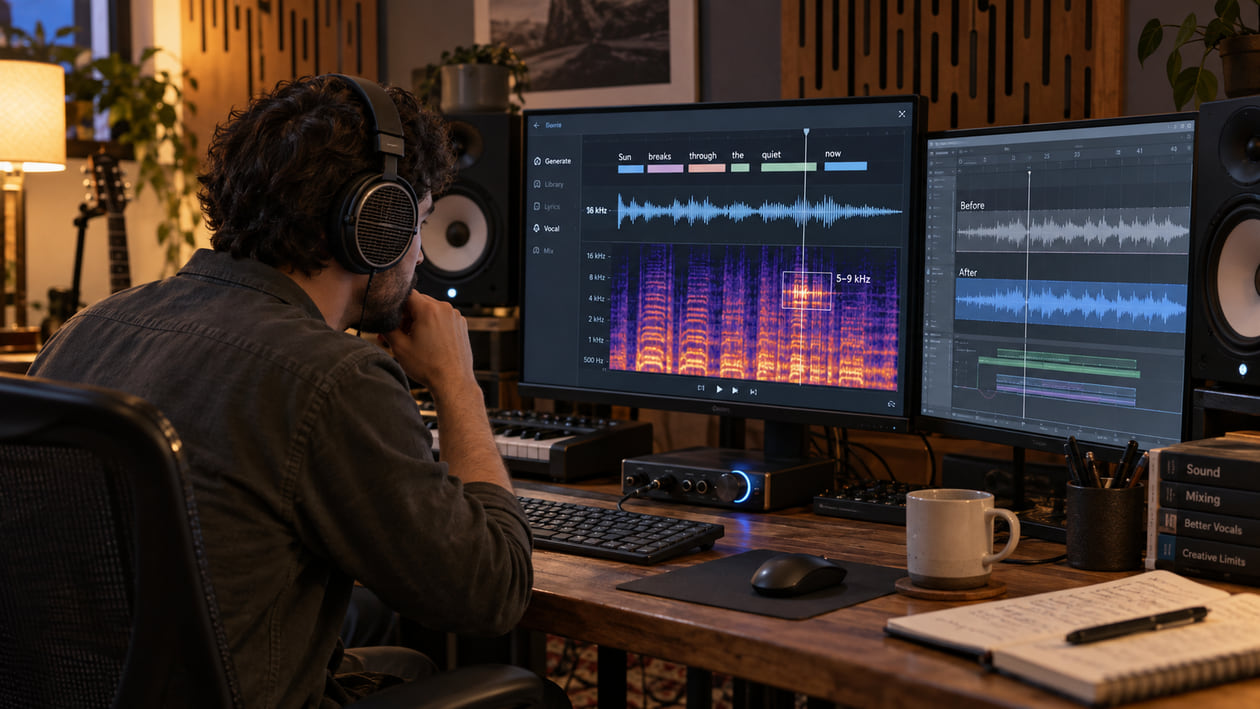
A practical quality-control guide for inspecting DiffRhythm 2 vocals, lyric alignment, high-frequency shimmer, low-end balance, and mix stability before mastering.
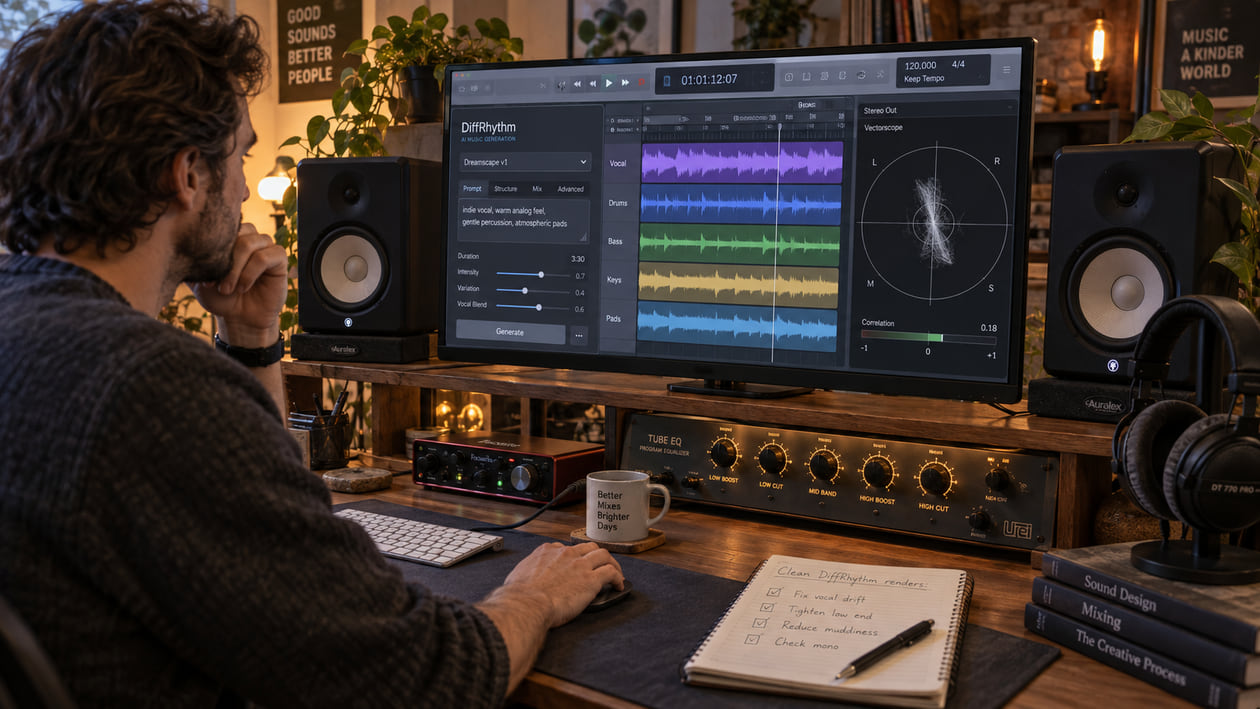
A practical guide to checking original DiffRhythm WAV renders for unstable stereo vocals, softened consonants, hiss, and edit problems before mastering.

A practical guide to checking Google Flow Music exports for loop seams, low-mid buildup, unstable stereo, and harsh texture before mastering.

A practical Google Lyria cleanup guide for harsh upper mids, softened transients, crowded mixes, SynthID-aware editing, and level-matched checks before mastering.
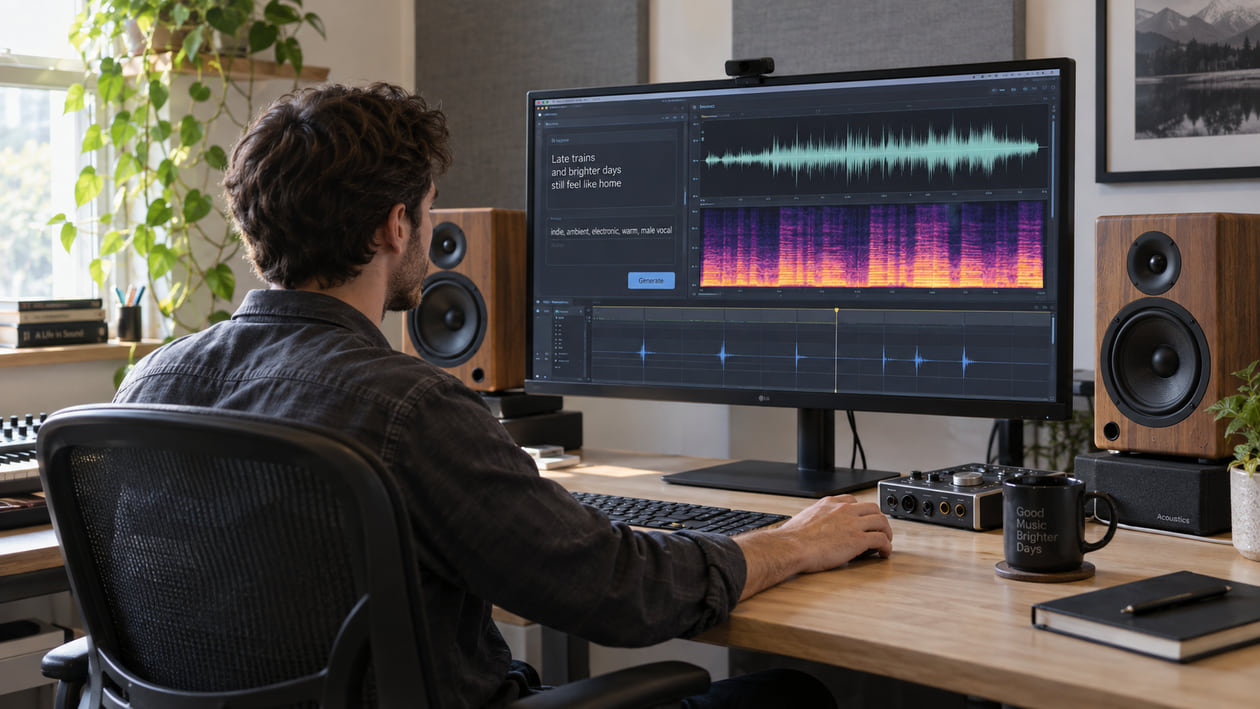
A practical guide to inspecting HeartMuLa audio for clicks, level spikes, midrange crowding, and low-end instability before cleanup and mastering.

A practical guide to diagnosing phase cancellation, unstable stereo width, smeared reverb, and granular hiss in lawful archived Udio tracks before mastering.

Improve ElevenLabs Music audio quality with stem separation, vocal de-essing, bleed checks, and level-matched listening before mastering.

A practical Mureka audio quality guide for checking vocal harshness, separation bleed, reverb tails, stem balance, and level-matched cleanup before mastering.

A practical AIVA orchestral cleanup guide for harsh string crescendos, muddy hall reverb, stereo imbalance, MIDI-versus-audio choices, and level-matched checks.

A practical guide to diagnosing clipping, pumping, brittle highs, and flattened transients in Loudly AI music exports before cleanup and final mastering.
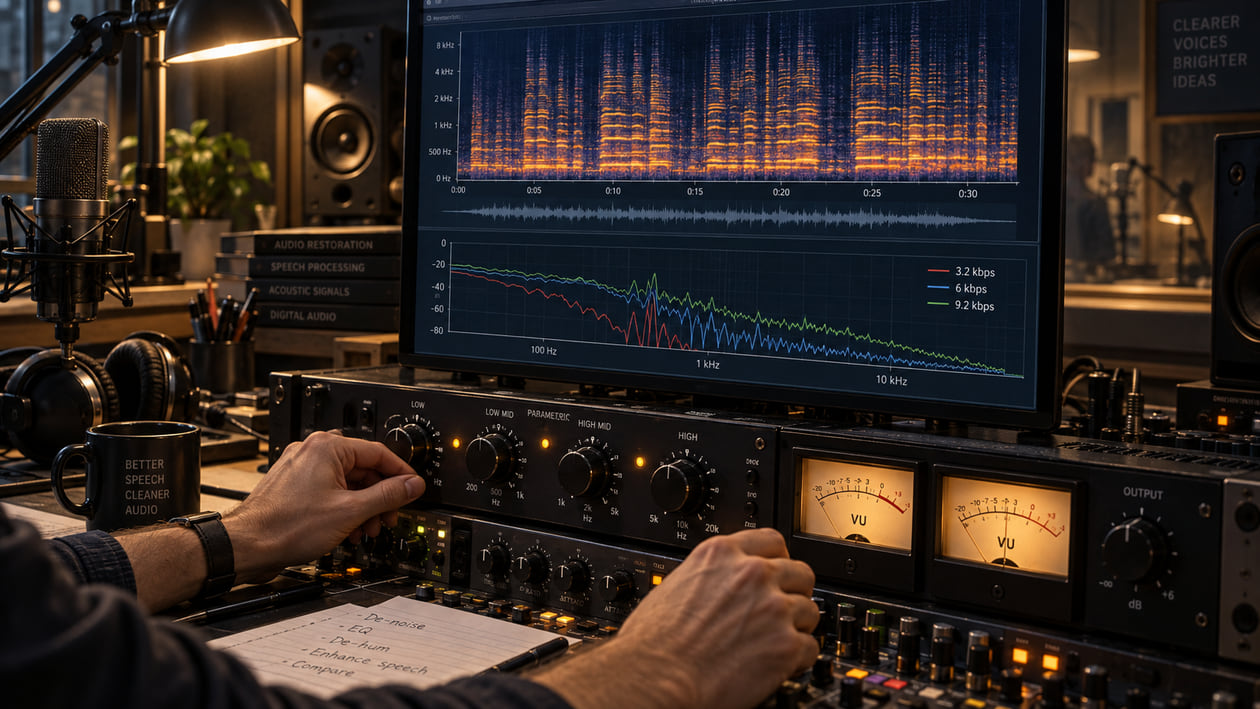
A practical guide to diagnosing and softening metallic Lyra V2 speech, low-bitrate buzz, formant instability, and codec damage without pretending to restore missing detail.

A practical guide to finding clipped consonants, hard upper-midrange vocals, and rough phrase transitions in MiniMax Music exports before cleanup and mastering.

A practical guide to checking Mubert renders and stream captures for weak mono bass, clipping, and hiss before restrained cleanup and mastering.
A practical guide to checking Muse stereo renders for mono fold-down loss, codec haze, unstable bass, and harsh resonances before cleanup and mastering.

A practical SongBloom audio cleanup guide for arrangement smear, frequency masking, unstable stereo width, careful EQ, and level-matched checks before mastering.
A practical guide to diagnosing harsh upper harmonics, blurred drum attacks, low-end instability, and edit problems in SongGeneration 2 renders before mastering.

A practical guide to preparing SOUNDRAW background music for YouTube and podcasts by clearing voiceover space, controlling muddy low mids, and preserving the groove.

A practical guide to checking Stable Audio 3.0 renders for long-form tonal drift, audible haze, edit-boundary seams, and low-end rumble before mastering.

A practical guide to checking YuE2 48 kHz stereo exports for vocal haze, brittle highs, low-end instability, and edit problems before mastering.

Check Treblo vocal, instrumental, stem, and full-mix exports by ear, separate content problems from audio artifacts, and choose a restrained cleanup path.

Check a Treblo export, choose the best available file, diagnose audible artifacts, clean with restraint, and hand a better source to mixing or mastering.

Check rights, export format, the full mix, vocals, and instrumentals before you clean, mix, or master a Treblo song.

Choose the right Treblo download for listening, cleanup, mixing, or mastering without mistaking a larger file for recovered audio detail.

Sonauto became Treblo in June 2026. See what carried over, which creation and export options Treblo currently documents, and what to check after download.
Change the question
Work on the source
Start with the best export available, compare at the same listening level, and keep the cleanup only when it serves the song.
Try Sunofix with 1 free credit