
SongGeneration 2 Audio Quality: Clean Harmonic Spray and Smeared Cymbals
A practical guide to diagnosing harsh upper harmonics, blurred drum attacks, low-end instability, and edit problems in SongGeneration 2 renders before mastering.
Clean my SongGeneration 2 render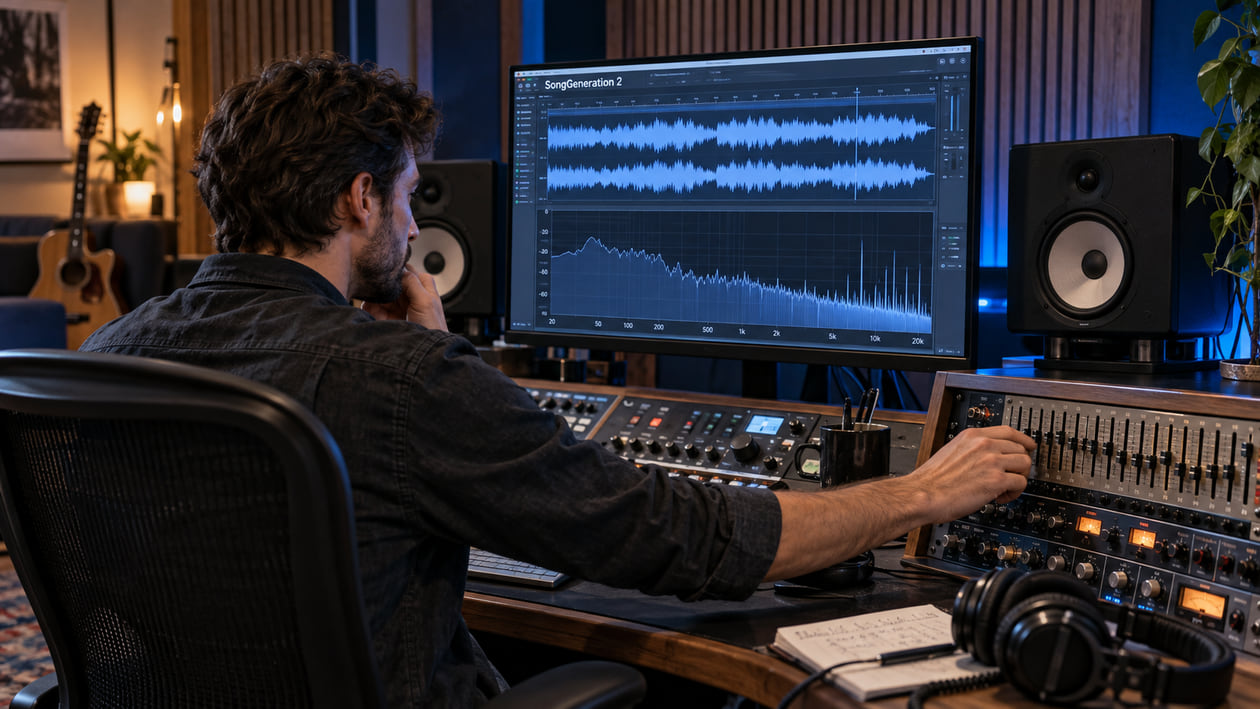
A SongGeneration 2 render can have the right hook, voice, and arrangement while the audio still feels hard to listen to. Cymbal tails may merge into a constant splash. A snare can lose its front edge. Bright vocals and synths may pile into the same narrow glare. Those are useful observations, but they are not proof that one hidden component of the model failed.
Keep the first generated file untouched. Compare the same verse, busiest chorus, and ending at equal loudness. If a problem repeats at the same timestamp, you can decide whether it belongs to the generation, a track-separation step, an edit, cleanup, or mastering. That order matters because a limiter can make an existing bright texture more obvious without being its original cause.
Checked September 20, 2026. The current official repository describes SongGeneration-v2-large as a four-billion-parameter model with a hybrid LLM-Diffusion architecture. It supports multilingual lyrics and songs up to 4m30s. The command-line options also document pure music, pure vocals, or separated vocal and accompaniment tracks. The repository does not document WAV, MP3, FLAC, bit depth, or sample rate for the generated audio, so this guide does not invent those details.
The short answer: inspect the render before mastering
Do not start by boosting the top end or pushing the track into a louder master. First, identify one repeatable sound: a cymbal tail that turns into spray, a vocal resonance that jumps forward, a kick that weakens in mono, or an edit that clicks. Work on the smallest area that explains what you hear.
If the musical decision itself is wrong, regenerate or revise the input. Cleanup cannot fix an incorrect lyric, melody, arrangement, or performance. If the music works and an artificial texture moves through several instruments, a restrained full-mix cleanup can prepare a better source for mastering.
I usually begin with the busiest chorus because dense sections reveal whether bright layers have collapsed into one hard surface. Then I check an exposed vocal or reverb tail. The contrast tells me more than staring at the whole-song spectrum.
Use AI music artifacts explained if you need help naming shimmer, hiss, clipping, smear, or codec damage. The name is not a diagnosis, but it gives you a clearer listening test.
Diagnose the SongGeneration 2 render you actually have
Listen before you label. SongGeneration 2 does not have one official defect profile, and two prompts or checkpoints may produce very different results.
- High-frequency grit or haze: Cymbals, consonants, and bright reverb lose their separate shapes and become a sandy layer. Lower the monitoring volume and compare the same timestamp in the untouched file.
- Midrange resonance: A vocal, guitar, or synth becomes painful only on certain notes. A narrow dynamic cut may help, while a broad static cut can push the entire source backward.
- Transient smear: Snare and kick attacks feel rounded, so the groove seems late even when the timing is correct. Compare the original before adding expansion; the soft attack may be part of the generated performance.
- Low-end instability: Bass feels large in stereo but thins out in mono. Check phase and width before assuming that artifact removal is the answer.
- Edit discontinuity: A section change produces a click, ambience jump, or sudden tonal shift. A click may need a tiny crossfade. A musical mismatch belongs back in generation or arrangement editing.
- Limiter stress: A later loud version sounds splashier than the original. Level-match both files. The louder copy may be exposing or exaggerating a problem rather than proving where it began.
A spectrogram can point you to a moment, but it cannot name the model component that caused it. If the graph changes and the listening impression does not, leave the file alone.
Source preflight: model, output, tracks, and rights
Record the checkpoint name, repository revision, prompt, lyric structure, reference-audio choice, seed, and every output mode you used. The official model table lists SongGeneration-v2-large with a maximum length of 4m30s and different memory requirements depending on whether prompt audio is used. A different checkpoint or later update can change the comparison.
The repository explains a hierarchical language model that handles mixed and dual-track tokens, followed by diffusion rendering for acoustic detail. This architecture description does not prove that every harsh cymbal came from diffusion or that every blurred attack came from tokenization. Treat those as hypotheses only when a controlled comparison supports them.
The command-line interface documents --bgm, --vocal, and --separate modes. If you have native vocal and accompaniment outputs, inspect them before the combined mix. A harsh vocal in isolation needs a different decision from cymbal spray that exists only in the accompaniment. Do not run a third-party separator and then present those files as native SongGeneration 2 tracks.
Preserve the exact file produced by your workflow. The current repository does not document WAV, MP3, FLAC, bit depth, or sample rate for that output. Inspect the real file instead of assuming a 24-bit WAV. If you need a working WAV for your DAW, convert a duplicate and avoid unnecessary resampling.
The current SongGeneration license restricts its inference code and weights to academic, research, and education use, excluding commercial or production use. It also carries separate third-party licenses. That restriction is not the same question as ownership or clearance of a generated song. Before distribution, check the current terms, the rights to every lyric, prompt-audio source, voice, sample, and other input, and obtain legal advice when the use is commercial.
SongGeneration 2 upper harmonic spray above 10 kHz
SongGeneration 2 Upper Harmonic Spray Above 10 kHz
| Frequency area | What you might hear | What to verify | Smallest useful action |
|---|---|---|---|
| Below 30 Hz | Rumble that uses headroom without adding useful weight | Bypass a high-pass filter at matched loudness | Raise the cutoff slowly, then stop before kick or bass gets smaller |
| 2–6 kHz | Vocal, snare, or synth glare that jumps out on certain notes | Loop the exact note and compare quiet versus dense sections | Use a narrow dynamic band only while the resonance appears |
| 8–12 kHz | Cymbals lose distinct hits and turn into continuous splash | Compare the untouched output with later conversions or limiting | Test gentle dynamic de-harshing; stop when cymbals lose life |
| Above 10 kHz | A moving harmonic spray follows bright percussion and reverb | Confirm that the pattern is audible, not merely visible | Use a conservative full-mix test or return to the source |
| Full band | The chorus feels flatter after processing | Level-match against the original | Reduce or remove processing until punch returns |
This is a diagnostic map, not a measured specification for the model. The official sources do not document a guaranteed harmonic spray above 10 kHz, a fixed cutoff, or a universal noise floor. Different files may show ordinary musical energy in that region. A dense spectrum above 10 kHz is not automatically damage.
I tend to trust the bypass button more than the analyzer here. If a narrow reduction makes the cymbal easier to hear as individual hits while the vocal stays open, the move may be useful. If the result merely looks smoother, I undo it.
Restrained manual cleanup in your DAW
Duplicate the working file and mark the exposed verse, busiest chorus, final tail, and every edit boundary. Set one monitoring level. Make one reversible change at a time.
For an isolated resonance, add a dynamic EQ band. Dynamic means that the cut moves only when the harsh energy appears. Sweep briefly to locate the unpleasant area, return the gain to zero, then lower the band until the edge recedes. The harsh-highs guide explains how to avoid turning the entire song dull.
For sub-rumble, inspect below roughly 30 Hz while the full mix plays. Use a high-pass filter only if that energy is consuming headroom or upsetting playback. Bypass often. If the kick loses weight, lower the cutoff or remove the filter.
For a click, zoom into the boundary and use the shortest fade or crossfade that removes it. A crossfade cannot repair a chord, vocal phrase, or ambience that changes in the wrong way. Send that problem back to the generation or edit stage.
Transient shaping deserves restraint. A little attack can separate a blurred snare, but it can also raise hiss, make consonants sharp, and overload later limiting. Compare against the untouched render after every move.
My stop rule is simple: once the distraction is lower and the song still feels like the same performance, I stop. A chain of processors added without a fresh A/B usually removes more character than it repairs.
The Sunofix cleanup path for SongGeneration 2 audio
Manual work is best for one click, one resonance, or one edit. Sunofix is more useful when a synthetic edge moves through the full mix, so static cuts affect too much music.
I founded Sunofix for this cleanup-before-mastering stage. The melody and arrangement should already be worth keeping. Upload a lawful WAV or MP3 copy, begin with a conservative pass, and compare the same timestamps at matched loudness. Sunofix aims to reduce metallic texture, harsh highs, and artificial grain while preserving the song’s melody, lyrics, arrangement, dynamics, and emotional shape.
Sunofix does not read the SongGeneration prompt, tokens, model state, or separate-track settings. It cannot regenerate a phrase or correct composition. It also cannot reconstruct samples removed by clipping or lossy encoding. A cleaner file is a better source for the next decision, not proof that the track is ready for release.
Judge the result by listening. If the cymbal hits become easier to distinguish and the vocal remains present, the cleanup is helping. If the chorus loses air, excitement, or punch, return to the original and use a smaller change.
Technical and legal boundaries
Cleanup and mastering solve different problems. Cleanup reduces an unwanted source texture. Mastering sets the final tonal balance, dynamics, sequencing, and delivery level. The cleanup-versus-mastering guide shows why heavy limiting before cleanup can make harshness harder to judge.
Sunofix cannot repair lyrics, melody, arrangement, or performance. It cannot create authentic stems from a finished mix, guarantee the origin of a file, remove watermarks, help evade detection systems, certify ownership, or restore clipped detail. It does not grant legal clearance or guarantee distributor approval.
The SongGeneration license terms deserve particular care because they restrict the supplied code and weights to academic, research, and education purposes. Cleanup does not change those terms. Keep a dated copy of the license you relied on and verify every input right before any commercial use.
SongGeneration 2 audio release checklist
- Preserve the original generated file and keep the complete output folder.
- Record the checkpoint and repository revision, prompt, lyric structure, reference audio, seed, and output mode.
- Inspect the real file format and sample rate instead of assuming WAV, MP3, FLAC, or 24-bit audio.
- Compare the busiest chorus and an exposed tail at one monitoring level.
- Name the audible problem before interpreting a spectrogram or adding a processor.
- Check native separated tracks when available and keep them distinct from third-party separation.
- Repair a local click locally and return wrong musical decisions to generation.
- Use dynamic EQ only when the harshness appears and bypass before adding another tool.
- Check below 30 Hz only for real headroom or playback problems.
- Test a conservative Sunofix pass only when the unwanted texture moves through the full mix.
- Level-match the before and after on headphones and an ordinary speaker.
- Review the current license and input rights before any release or commercial use.
- Master after cleanup decisions are stable and keep the source, cleaned file, and master separate.
If the distracting layer recedes while the vocal, cymbals, low end, and chorus energy remain intact, you have a stronger source for mastering. If the result feels smaller or darker, return to the original. The goal is not to make the spectrum look tidy. It is to protect the song you chose to keep.
Continue listening
Related reading
FAQ
SongGeneration 2 Audio Quality: Clean Harmonic Spray and Smeared Cymbals FAQ
What causes digital artifacts in SongGeneration 2 audio?
A distracting texture can come from generation, rendering, a separated-track workflow, an edit, format conversion, or later limiting. The official materials describe the model architecture but do not define one guaranteed artifact profile. Diagnose the exact timestamp and compare it with the untouched output before choosing a fix.
Does SongGeneration 2 always create harmonic spray above 10 kHz?
No. The official repository does not document a guaranteed harmonic spray above 10 kHz. Treat that pattern as a listening and measurement example, not a model-wide defect. If you cannot hear the problem at the same timestamp, do not process the track just because the spectrum looks busy.
Can SongGeneration 2 export separate vocals and accompaniment?
The official command-line workflow documents modes for pure music, pure vocals, and separated vocal and accompaniment tracks. Availability may depend on the checkpoint, interface, and settings you used. Keep the original outputs and do not describe a later stem-separation result as a native model export.
Can Sunofix clean a SongGeneration 2 render?
Sunofix can process a lawful WAV or MP3 copy when the problem is an audible artificial texture in the full mix. It cannot rewrite lyrics, melody, arrangement, timing, or performance, and it cannot restore information already lost to clipping or lossy encoding.