
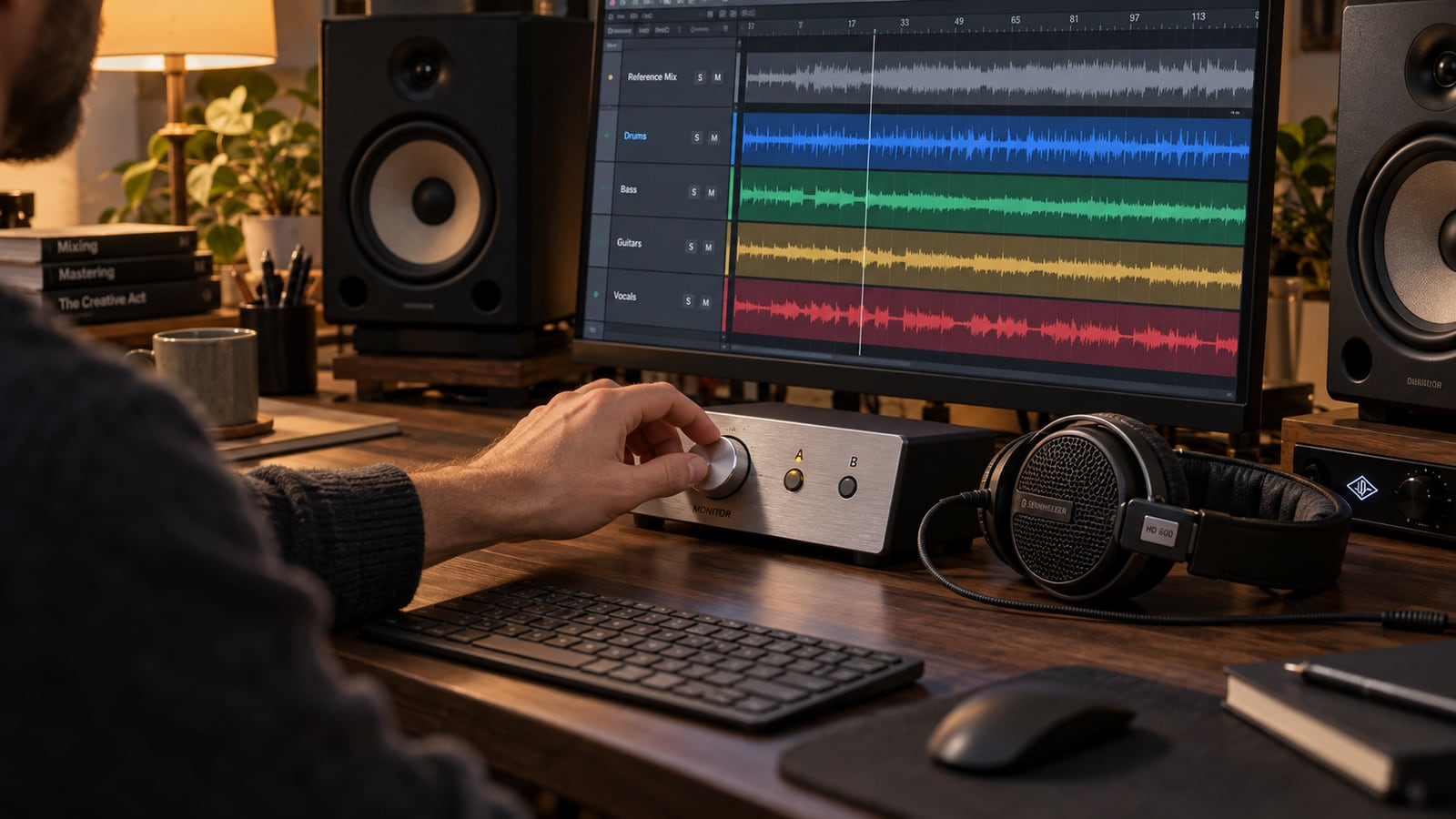
Mastering Workflow
Should You Clean AI Music Before Stem Separation or After?
Choose full-mix cleanup, stem repair, or a hybrid workflow. Compare both separation paths, preserve drum attacks, and check the stem sum before mastering.
Mastering Workflow
Put source checks, artifact cleanup, stems, mixing, level-matched quality control, mastering, and final export in an order that does not amplify the original defect.
Listening map
Curated path
Move from diagnosis to action in sequence. Each guide answers a different decision instead of repeating the same cleanup advice.
Category library
Choose full-mix cleanup, stem repair, or a hybrid workflow. Compare both separation paths, preserve drum attacks, and check the stem sum before mastering.

Export Suno Studio 2.0 Multitrack WAV stems, keep Full Song as a reference, check range edits and phase, then clean vocals, drums, bass, and reverb before mixing.
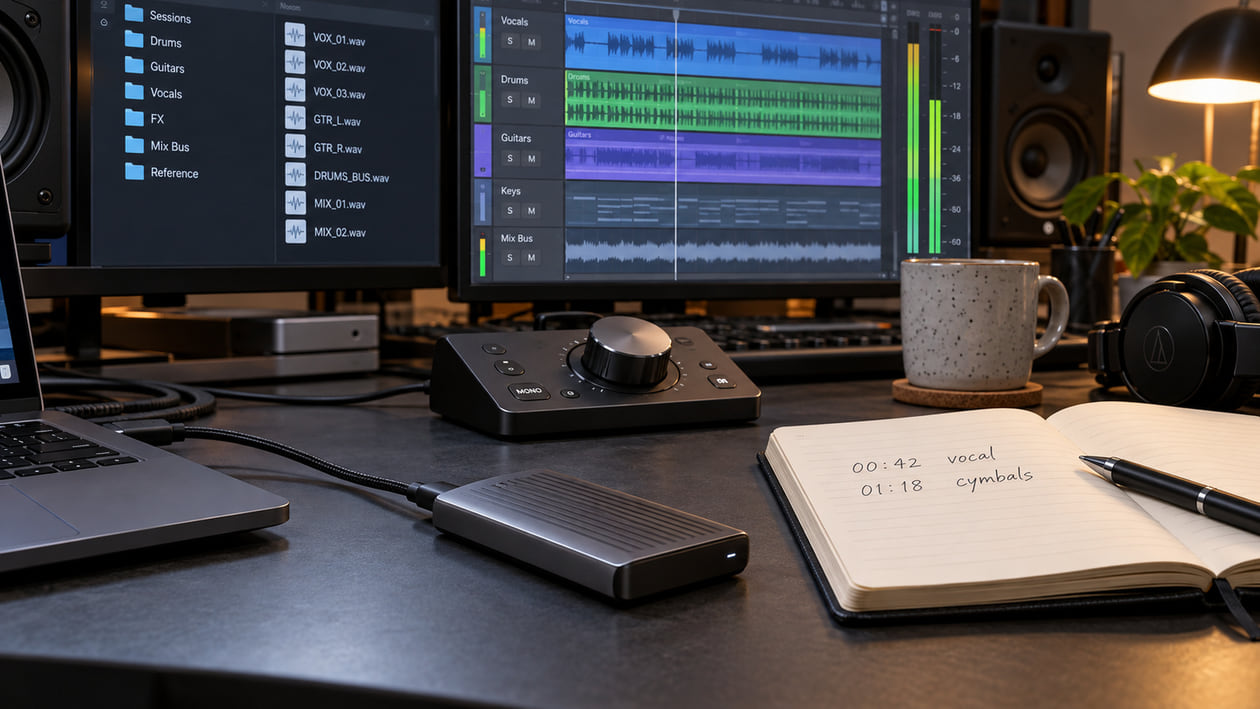
Prepare AI music for mixing with aligned WAV stems, sensible headroom, raw and cleaned versions, clear filenames, and timestamped session notes.

Follow an end-to-end AI music cleanup workflow covering rights, lossless export, backups, artifact diagnosis, manual and Sunofix paths, level-matched QC, and mastering handoff.

Run a practical pre-release QC pass for AI music: artifacts, clipping, headroom, mono, device translation, metadata, rights, cleanup order, and a final release decision.

Choose the best MP3, WAV, or FLAC source for AI music cleanup, avoid false upgrades, and prepare a clean handoff for mixing or mastering.

Learn why compression, limiting, saturation, and high-shelf boosts can expose Suno source artifacts, and test your track before mastering it.
Change the question
Work on the source
Start with the best export available, compare at the same listening level, and keep the cleanup only when it serves the song.
Try Sunofix with 1 free credit