
AudioX Audio Quality: Fix Envelope Crackle, Abrupt Decay, and Hiss
A listening-first guide to checking AudioX WAV renders for envelope crackle, abrupt transient decay, hiss, harshness, and low-end instability before mastering.
Clean my AudioX render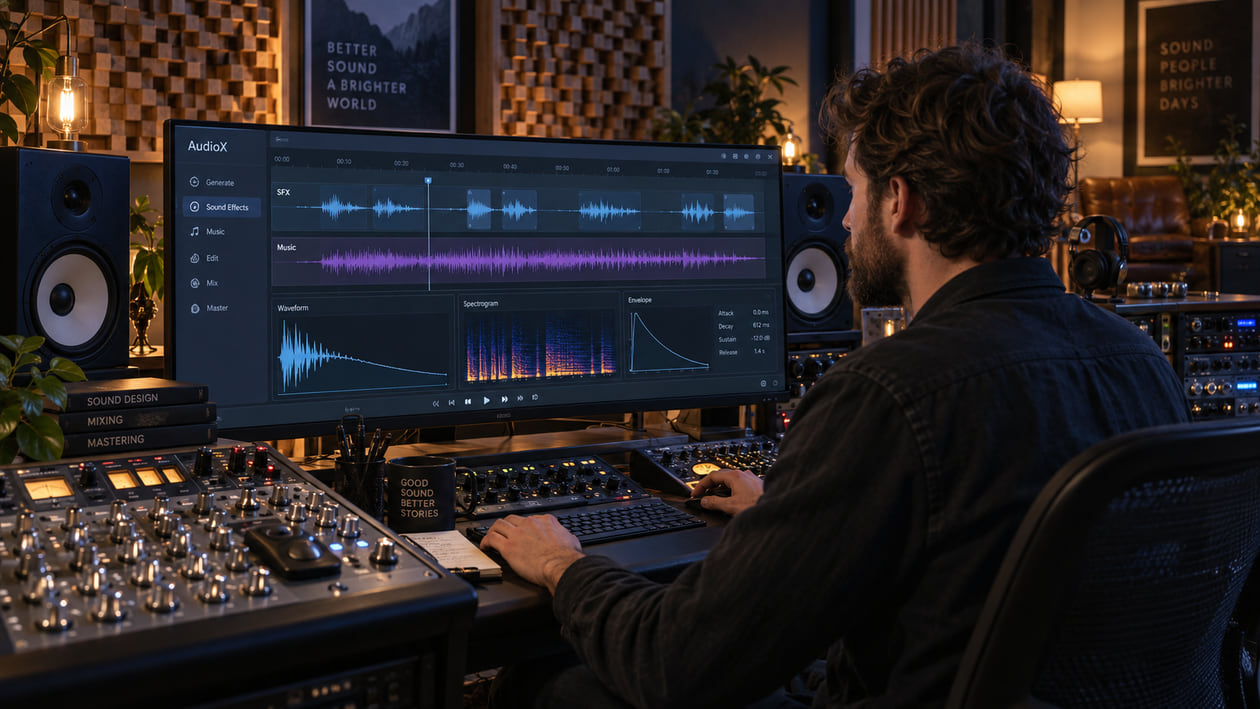
An AudioX render can begin with a clean piano strike, then break into a faint zipper-like crackle as the note fades. A cymbal tail may fall away in little steps instead of dissolving smoothly. You might also hear hiss move with the reverb, a vocal or synth turn sharp in the upper mids, or the bass lose weight when you switch to mono.
Treat each sound as a timestamped symptom, not proof of a model flaw. Preserve the original generated WAV, compare the same moment at matched loudness, and repair the smallest area you can identify. If a click exists at one boundary, fix that boundary. If grain follows several instruments through the whole render, broader cleanup may be the better next step.
Checked September 21, 2026. AudioX is an ICLR 2026 unified diffusion framework for general audio and music. The official repository demonstrates text, video, and audio conditioning, a fixed 10-second generation window, and a 44.1 kHz stereo WAV output. It does not document MP3, FLAC, or separated-stem output in the reviewed workflow. Its README also says the models are watermarked and strictly for non-commercial use only.
The short answer: inspect the decay before mastering
Loop three moments: the cleanest attack, the longest exposed decay, and the busiest section. Listen quietly on headphones, then on speakers, and finally in mono. A repeatable tick at the same sample is different from a moving layer of grit, and both are different from natural pick noise, breath, or room ambience.
Use a waveform to locate sudden jumps and a spectrogram to see whether a noisy layer follows the sound. Neither display tells you why the event exists. The official AudioX paper and code describe the architecture and inference path; they do not publish a universal envelope-crackle, hiss, or transient-decay profile for every render.
I start with the tail because a decaying note leaves fewer sounds to hide a defect. Once I can hear the exact point where smooth energy becomes a click, staircase, or moving hiss, I know whether to use a local edit or test a broader cleanup pass.
If you are not sure whether the problem is hiss, clipping, a phase change, or an edit click, first use the AI music artifacts listening guide. Naming the audible event is more useful than guessing which part of a neural system created it.
Diagnose the AudioX render you actually generated
Make a copy of the untouched WAV and add markers while listening. Keep the volume moderate; louder playback can make every bright detail feel more serious than it is.
- Envelope crackle: A note fades with tiny ticks or a zipper-like texture. Zoom into the waveform and check whether there is an abrupt jump. If the ticks move between plays or disappear on another device, rule out playback first.
- Abrupt transient decay: A drum, pluck, or acoustic note loses energy too suddenly, as if the room were switched off. Cleanup can soften a rough edge, but it cannot reconstruct a natural performance that is missing from the file.
- Moving hiss or grain: Noise follows a voice, cymbal, or reverb tail instead of remaining steady in a silent gap. A fixed noise print may remove useful air while leaving the changing texture behind.
- High-frequency grit: Hats, consonants, or bright synths feel sandy and tiring. Compare the exposed sound with the full mix before cutting the entire top end.
- Midrange resonance: One vowel, string note, or synth tone presses forward. Find whether it appears on one pitch or across the whole render before reaching for a permanent EQ cut.
- Low-end instability: Bass weight changes between stereo and mono, or a low tail wobbles in level. Check polarity, stereo width, and the original file before filtering.
- Edit discontinuity: A click appears exactly where clips were joined, trimmed, or merged with video. That is an editing problem until evidence shows otherwise.
Do not clean a visual pattern that you cannot hear. A waveform with sharp peaks may represent healthy percussion, and a bright spectrogram may simply show cymbals or noise used intentionally. Stop when the render sounds stable and the musical gesture still feels alive.
Source preflight: model, inputs, output, and rights
Record the checkpoint, repository revision, prompt, conditioning files, seed, sampling settings, and interface before editing. AudioX publishes base, MAF, and MAF-MMDiT checkpoints. The official task table covers text-to-audio, text-to-music, video-to-audio, video-to-music, and combined text-plus-video paths. The inference code also accepts audio conditioning.
The reviewed AudioX-MAF configuration sets sample_rate to 44,100, audio_channels to 2, and a sample size that corresponds to roughly 11 seconds, while the public demo and README example use a 10-second window. The official API example uses 250 sampling steps; the Gradio interface currently displays 100 as its default. Record what you actually used rather than treating either number as a quality guarantee.
The example peak-normalizes generated audio, converts it to 16-bit integer samples, and saves output.wav. That establishes the documented local example, not every hosted wrapper. The repository does not promise WAV bit depth choices, MP3, FLAC, or native vocal, drum, bass, and instrumental stems.
Keep the first WAV exactly as generated. If a third-party service gives you MP3, keep that too. Converting an MP3 to WAV can prevent another lossy encode during editing, but it does not restore removed samples or turn the file into the official AudioX output.
Rights are a release blocker, not a footnote. The official code is published under CC BY-NC 4.0, and the README states that the models are watermarked and strictly for non-commercial use only. Attribution does not remove the non-commercial condition. You must also have permission for any video, reference audio, voice, sample, or other material used to condition the generation.
AudioX transient decay step discontinuities
A natural decay usually loses energy continuously, even when room reflections make the shape uneven. A step discontinuity is a sudden level change inside that tail. On a waveform it can look like a small ledge; on playback it may sound like a click, zipper, or tail that briefly catches.
AudioX Transient Decay Step Discontinuities
| What you hear | What to inspect | Smallest useful action | Stop when |
|---|---|---|---|
| One dry click inside a long note | Sample-level waveform around the timestamp | Redraw or interpolate the tiny discontinuity, or use a very short repair | The click disappears without softening the attack |
| A click exactly at a clip boundary | Adjacent clips and crossfade handles | Use a short crossfade only at a real discontinuity | The join is quiet and the timing stays intact |
| Repeated zipper texture through the tail | Several cycles of waveform and a spectrogram | Test light harmonic de-clicking or broader artifact cleanup | The tail becomes smoother without losing natural texture |
| Tail drops in obvious level shelves | Original render, any edits, automation, and limiter bypass | Remove accidental automation or regenerate if the decay itself is missing | The fade feels continuous and the room remains believable |
| Hiss follows the tail but no jumps appear | Tail, silent gap, and neighboring bright instruments | Try a conservative dynamic process or cleanup test, not a hard cut | The hiss recedes while air and cymbal detail remain |
Harmonic de-clicking means removing a very short click without flattening the pitched sound around it. It is useful when the discontinuity is local and repeatable. A long staircase or moving grain is not one click, so repeatedly redrawing samples can become slower and more destructive than testing a broader pass.
Restrained manual cleanup in your DAW
Duplicate the track, bypass the final limiter, and work from markers. Change one thing at a time. After every move, level-match the result against the untouched render so a louder version does not win automatically.
Repair one click locally. At an edit boundary, move the cut toward a zero crossing or add a short crossfade. Inside a sustained note, try a small de-click or waveform interpolation. Do not place fades across every transient; that can soften drums, consonants, and pick attacks that were already correct.
For high-frequency grit, use the harsh-highs guide to separate a fixed resonance from texture that moves with the music. A dynamic EQ lowers a narrow area only when it becomes harsh. Start with a small range and stop if the vocal loses breath or the cymbal turns dull.
High-pass filtering below 30 Hz is not a ritual. Confirm that sub-rumble exists, contributes no musical weight, and consumes headroom. Raise the cutoff slowly and stop at the first change to kick impact, bass sustain, or warmth.
If a tail is abruptly missing, consider regeneration before processing. Reverb can extend the sound, but it does not restore the original performance or room. Likewise, a transient shaper can emphasize an attack that exists; it cannot invent the exact attack that never reached the file.
I finish the manual pass by disabling every processor, then enabling them one at a time. Several individually subtle repairs can still add up to a smaller, darker render. If bypass restores the life of the instrument, the repair went too far.
The Sunofix cleanup path for AudioX audio
Manual work is best for one click, one bad join, one resonance, or one automation step. Broader cleanup makes more sense when artificial grain follows several sources through multiple sections, or when a chain of static cuts begins to remove the music along with the defect.
I built Sunofix for this stage: the musical idea already works, but the exported audio still has a synthetic edge that should be addressed before mastering. Upload a lawful WAV or MP3, keep the first pass conservative, and compare the cleaned render with the original at the same loudness.
Sunofix can reduce metallic texture, moving grain, broad harshness, and hiss-like artifacts in a full mix while preserving melody, lyrics, arrangement, dynamics, and emotion. It cannot repair lyrics, melody, arrangement, or performance; create native stems; restore a missing attack; correct a wrong note; or recover samples already lost to clipping or lossy encoding.
Listen again to the marked attack, tail, and busiest section. If the crackle recedes, the transient still speaks, and the ambience remains open, the cleanup has helped. If the tail becomes unnaturally short or the whole track loses air, return to the original and choose a narrower repair.
Do cleanup before the final loudness stage. Artifact removal and mastering solve different problems: cleanup addresses unwanted source texture, while mastering makes final tonal, dynamic, sequencing, and delivery decisions. A limiter can make a small click or harsh edge more obvious, so stabilize the source first.
Technical and legal boundaries
AudioX is a unified diffusion framework, but that architecture does not diagnose an individual file. Crackle can also enter through decoding, peak normalization, trimming, a crossfade, resampling, video merging, later processing, a driver, or playback. A repeated symptom gives you an editing target; it does not prove that AudioX caused it.
Sunofix works on a stereo or multichannel mix. It can reduce a spectral symptom shared by the file, but it cannot independently lower a vocal, rebuild a drum transient, change the harmony, or rebalance instruments as true stems. If one musical part is wrong, return to generation or a legitimate stem workflow.
Cleanup does not change the AudioX license. It does not remove a watermark, bypass an AI detector, make a non-commercial model commercial, certify ownership, or grant rights in conditioning material. It does not grant legal clearance or guarantee distributor approval.
Keep the original generation, prompt, input media, model and commit identifiers, settings, license snapshot, edit session, cleaned version, and master as separate files. That record makes your audio decisions repeatable and keeps the rights review connected to the source you actually used.
AudioX audio release checklist
- Preserve the original generated WAV before cleanup, editing, conversion, or mastering.
- Record the checkpoint and repository revision, prompt, seed, input video or audio, sampling settings, and interface.
- Confirm the current license and the rights in every conditioning input before planning any public use.
- Inspect the actual file for sample rate, channels, bit depth, clipping, duration, and prior lossy conversion.
- Mark one clean attack, the longest decay, the busiest section, the lowest note, and every edit boundary.
- Name the audible symptom before interpreting a waveform or spectrogram.
- Repair one click locally before processing the whole render.
- Use a short crossfade only at a real discontinuity, then confirm that timing and attack remain intact.
- Use dynamic EQ only when a repeatable resonance or harsh band appears.
- Regenerate missing notes, attacks, timing, or performance rather than asking cleanup to invent them.
- Test broader cleanup only when unwanted texture follows several sounds or sections.
- Use level-matched before-and-after playback on headphones, speakers, and mono.
- Stop when air, impact, ambience, bass weight, or emotion begins to shrink.
- Master only after cleanup decisions are stable, and archive every stage separately.
The render is ready for the next step when attacks remain clear, tails fall away without distracting steps, hiss no longer pulls your attention, and the musical idea still feels intact. If the file looks smoother but sounds less alive, go back. The meter is evidence; the song is the decision.
Continue listening
Related reading
FAQ
AudioX Audio Quality: Fix Envelope Crackle, Abrupt Decay, and Hiss FAQ
What causes digital crackle or abrupt decay in AudioX audio?
A click or stepped tail can come from generation, decoding, peak normalization, an edit, resampling, later processing, or playback. AudioX's official sources do not publish a universal envelope-crackle defect profile. Compare the untouched WAV at the same timestamp before choosing a repair.
What format does the official AudioX workflow generate?
The reviewed official inference example writes a 44.1 kHz stereo WAV and the current demo is fixed to a 10-second generation window. The repository does not document MP3, FLAC, or separated-stem output in that default workflow. Third-party interfaces can differ, so inspect the file you actually received.
Can Sunofix clean an AudioX render?
Sunofix can reduce unwanted artificial texture in a lawful WAV or MP3 full mix while preserving the song's musical idea. It cannot restore missing attacks, rewrite lyrics or melody, rebalance true stems, or recover samples already lost to clipping or lossy encoding.
Can I release AudioX-generated music commercially?
The official repository says the models are watermarked and strictly for non-commercial use only, and its license is CC BY-NC 4.0. Cleanup does not change that restriction. Check the current license and the rights in every prompt, video, audio condition, sample, and output before any release.