
AIVA Audio Quality: Clean Harsh Strings, Reverb Clutter, and Stereo Balance
A practical AIVA orchestral cleanup guide for harsh string crescendos, muddy hall reverb, stereo imbalance, MIDI-versus-audio choices, and level-matched checks.
Clean my AIVA render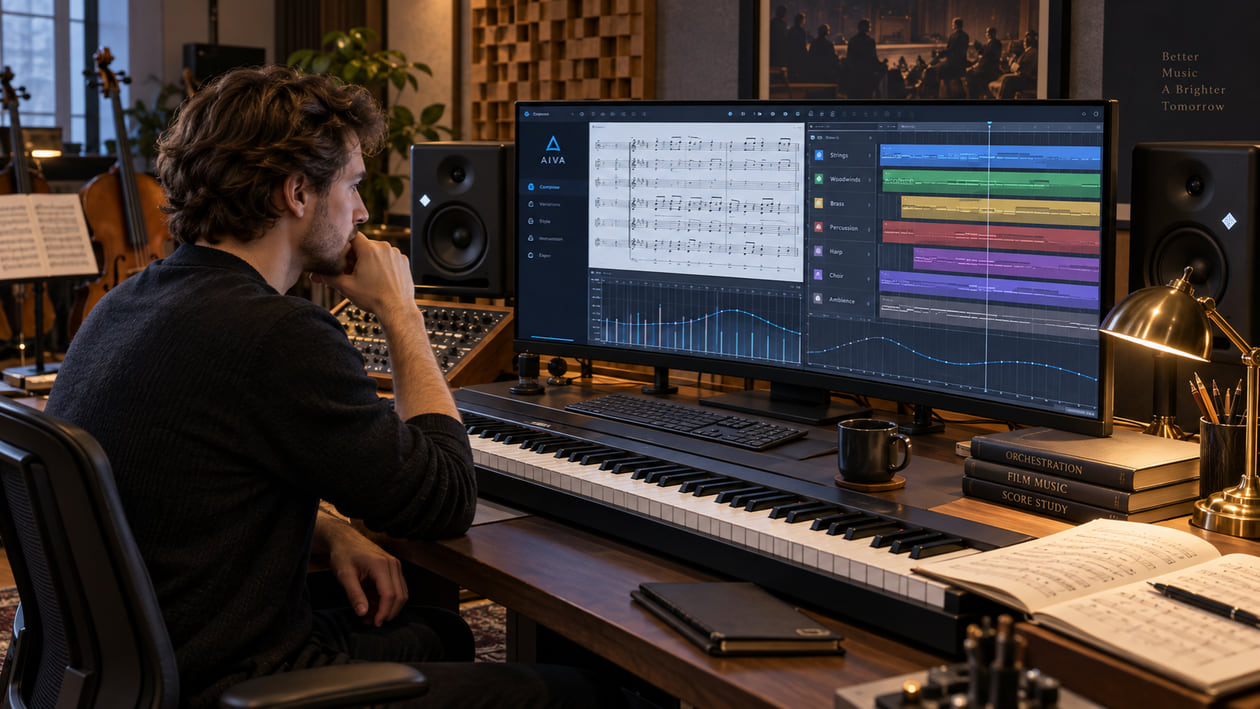
The cue already has the right theme, pacing, and emotional turn, but the final string crescendo feels sharp. Brass appears to lean toward one speaker. A long hall tail hangs over the next staccato phrase. Those are three different audio problems, and they should not receive the same fix.
The useful order is to decide whether you still need to change the composition, then diagnose one audible symptom, make the smallest correction, and compare at the same loudness. If notes, voicing, articulation, or instrumentation need work, return to MIDI. If the composition is right and the exported audio is the part that bothers you, a restrained cleanup pass can be appropriate.
Checked September 20, 2026. AIVA’s official site says the service can create music in more than 250 styles, accept audio or MIDI influences, let you edit generated tracks, and provide plan-dependent downloads. Free and Standard plans list MP3 and MIDI downloads. The Pro plan lists high-quality WAV export and all file formats. AIVA’s license agreement defines audio compositions as WAV or MP3 files and says the license depends on the plan active when you download the composition. Check the current controls and terms in your own account before a release because plans and product details can change.
The short answer: choose the source before you clean the sound
A stereo render is not always the best starting point. If the violin line needs a different articulation, the brass entrance is too loud, or the percussion pattern is wrong, no cleanup process can make the same performance behave like a newly orchestrated one. Open the MIDI in your DAW, choose the instruments, and shape the performance there.
Use the direct audio path when the musical decisions already work. Cleanup can reduce a distracting hard edge, clear excess low-mid room buildup, or make a stereo imbalance less tiring. It should preserve the melody, harmony, dynamics, timing, and emotional arc that made you keep the cue.
I usually start with the busiest ten seconds, not the quiet introduction. A resonance that hides under a sparse phrase often becomes obvious when strings, brass, percussion, and reverb all arrive together. That short loop tells you whether the problem follows one family of instruments, the room tail, the stereo field, or the entire render.
Diagnose the orchestral symptom you can actually hear
Describe the sound before reaching for a processor. “Synthetic” is too broad to guide a decision. Try one of these more useful descriptions:
- The strings turn narrow and piercing at the top of a crescendo. Loop the loud phrase, lower playback level, and compare it with the preceding section. If the discomfort appears only when the arrangement becomes dense, investigate a moving upper-mid resonance rather than cutting the entire mix.
- The room remains after the notes should have separated. Listen to fast string figures, timpani hits, and pauses. A long tail can blur rhythm even when the direct instruments sound acceptable.
- The orchestra pulls to one side. Switch to mono, then back to stereo. Notice whether brass, woodwinds, or room reflections disappear, jump in level, or leave the center feeling weak.
- The percussion has impact in solo but vanishes in the mix. The cause may be masking from bass instruments and reverb, not a lack of treble or limiting.
- The low strings feel large but indistinct. Check sustained basses against kick or timpani attacks. Broad low-mid energy can make every note feel connected even when the written rhythm is clear.
Do not infer a private engine design from these symptoms. AIVA’s public pages describe generation, editing, influences, formats, and licensing, but AIVA does not document a fixed AIVA soundfont or universal problem frequencies. The 2.8 to 4.5 kHz string zone and the 100 to 300 Hz room zone in this guide are listening starting points, not facts about every AIVA render.
For a deeper explanation of why a static cut may miss a moving problem, see where EQ can and cannot remove AI music artifacts. The goal is not to prove that a file came from AI. The goal is to find the smallest change that makes this particular cue easier to hear.
Source preflight: MIDI or the direct audio render
Make the source decision before processing. It can save more time than any plugin setting.
Choose the MIDI path when the performance or orchestration needs to change. MIDI preserves notes and performance instructions rather than a finished acoustic recording. In a DAW, you can change the virtual instrument, articulation, velocity, timing, panning, and reverb. That is the correct path when repeated notes feel mechanical, a section uses the wrong register, a crescendo does not breathe, or the orchestral balance itself is wrong.
MIDI does not guarantee realism. A convincing result still depends on the chosen library, articulation mapping, velocity shaping, expression, room setup, and your decisions. It simply keeps those decisions editable.
Choose the audio path when the composition already works. Keep the best-quality lawful download available under your plan. The official pricing page currently lists MP3 and MIDI for Free and Standard, while Pro lists high-quality WAV and all formats. If you have WAV, preserve it as the untouched source. Converting an MP3 to WAV creates a larger file but does not restore detail already discarded by the lossy encode.
Before cleanup, check the full cue for clipping, abrupt edits, missing tails, and level jumps. Leave the original file untouched. Make one working copy, name versions clearly, and keep enough peak headroom for comparison and later mastering.
AIVA’s license terms distinguish non-commercial, limited commercial, and full-copyright outcomes by plan. Audio cleanup does not change that contract. The plan attached to the download, the rights in any uploaded influence, and your intended use remain separate questions from sound quality.
AIVA orchestral resonance and space map
Use this map to choose a listening test. It is not a claim that every export contains the same defect, and it is not a recipe for fixed EQ moves.
| Section or symptom | Area to inspect | What you may hear | First useful test | Stop condition |
|---|---|---|---|---|
| Violins and violas in a loud passage | Roughly 2.8-4.5 kHz | A glassy or scraping edge that appears only on peaks | Lower the monitor level, loop the crescendo, and try a narrow dynamic reduction | Stop if bow detail, excitement, or presence collapses |
| Brass accents | Upper mids plus peak level | A hard burst that feels louder than the written phrase | Bypass the limiter and compare the attack at matched loudness | Stop if the brass moves behind the strings |
| Double basses, cellos, and hall return | Roughly 100-300 Hz | Notes merge into a broad cloud | Compare the center with the side signal and shorten only the muddy return if possible | Stop when the foundation becomes thin |
| Timpani and orchestral percussion | Attack and low-mid decay | A soft thud with no clear front edge | Reduce masking before adding transient emphasis | Stop if the hit clicks or detaches from the room |
| Hard-panned section or asymmetric ambience | Stereo image | The cue leans sideways or becomes hollow in mono | Alternate stereo and mono at the same volume | Stop when the center is stable without shrinking the scene |
| Long reverb between short notes | Tail over the next phrase | Staccato rhythms smear together | Listen to the gaps, then automate or shorten the return | Stop when the room still connects the orchestra naturally |
I do not treat a frequency number as a diagnosis. A range becomes useful only when the audible problem gets smaller as you adjust it and returns when you bypass the change. If the cue merely becomes darker, the process is taking away music rather than solving the defect.
Restrained manual cleanup in your DAW
Start from the problem you identified, not from a chain of processors.
1. Control a moving string resonance
Loop the busiest crescendo. Insert a dynamic EQ, which lowers a narrow area only when it becomes excessive instead of darkening the entire cue. Sweep gently around the harsh region while the full orchestra plays, then use the smallest reduction that takes the sting out of the loud notes.
Bypass often. If violins lose articulation or the whole orchestra steps backward, reduce the amount or widen the listening context. For general guidance, fix harsh highs without making the track dull explains why several deep cuts usually create a new problem.
2. Clean the room before boosting detail
If short notes blur, do not add treble first. Find out whether the reverb or the direct sound is carrying the clutter. With separate returns, shorten the decay, lower the return during busy passages, or filter unnecessary low-mid energy from the reverb. With only a stereo file, use a subtle dynamic or mid/side move and accept that the direct orchestra and room are already combined.
Check the sides below 300 Hz. Mid/side processing separates the center from the difference between left and right. Excess low-frequency energy in the sides can make a hall feel wide but unstable. Reduce it carefully, then compare in mono and stereo. Do not erase the natural width just to make a meter look tidy.
3. Rebuild impact after masking is reduced
Restore percussion impact only after the reverb is under control. A transient shaper changes the front edge of a hit. A small increase can help a timpani or drum speak through the orchestra, but too much creates a click that does not belong in the room.
Check the musical phrase, not the isolated hit. If the rhythm reads clearly and the instrument still feels part of the ensemble, stop. If the attack sounds pasted on, undo the move.
4. Correct stereo balance with restraint
Use automation or a small balance correction when one section consistently pulls the image aside. If the imbalance changes note by note, broad panning may not be the right tool. Compare stereo, mono, headphones, and a modest speaker level before deciding.
Avoid widening plugins as a default cure. More width can exaggerate phase differences and make the center weaker. The test is simple: the orchestra should remain coherent in mono without losing the intended depth in stereo.
The Sunofix path for an AIVA audio export
Manual work is best when you still have separate instruments, MIDI, and reverb returns. A post-export cleanup tool becomes more relevant when you have a finished stereo file, the composition already works, and the remaining problem moves through several parts of the mix.
I built Sunofix for that stage: you want to keep the song or cue, but an audible synthetic edge gets in the way before mastering. Upload a lawful audio export, preserve the untouched original, and focus the comparison on the exact crescendo, tail, or stereo passage that triggered the cleanup.
Use this sequence:
- Choose the best available source and note whether it is WAV or MP3.
- Mark one harsh crescendo, one exposed room tail, and one busy low-end passage.
- Run a restrained cleanup pass rather than stacking speculative EQ moves.
- Level-match the A/B so the louder version does not win by default.
- Check the marked passages, then listen to the whole cue on headphones and speakers.
- Keep the cleaned version only if the distraction decreases without flattening expression.
The full AI music cleanup workflow explains how diagnosis, cleanup, mixing, and mastering fit together. Sunofix should not become a reason to ignore the MIDI path. If a note, voicing, articulation, or room choice is wrong, fix the editable source.
Realistic limits: cleanup is not re-orchestration
Post-export processing cannot turn a rendered stereo file into a live orchestra or rewrite the orchestration. It cannot invent bow changes, replace a static articulation, create independent stems, move a single horn without affecting nearby sound, or recover detail removed by clipping or lossy encoding.
It also cannot make legal decisions. Sunofix is not affiliated with AIVA. Cleanup does not grant commercial rights or guarantee distributor approval. AIVA’s official terms say the license is tied to the user’s plan and also place responsibility on the user for rights in uploaded influences and for evaluating a composition’s use.
Avoid exact promises such as “remove all harshness” or “make it cinematic.” The honest goal is smaller: reduce a specific distraction while keeping the composition’s melody, harmony, dynamics, performance, and emotional direction intact.
My stop rule is practical. If I can play the busiest section at a normal level without the harsh string layer pulling my attention away, the reverb leaves enough space for the next phrase, and the stereo image stays coherent in mono, I stop processing. A technically smoother file is not better if the cue loses tension, scale, or character.
AIVA cinematic release checklist
- Decide between MIDI and audio. Return to MIDI for notes, articulation, orchestration, instrument, or performance changes.
- Preserve the best source. Keep the original download untouched and avoid converting MP3 to WAV as a supposed quality upgrade.
- Loop the busiest crescendo. Name whether the distraction is string bite, brass peak, room smear, low-end masking, or stereo imbalance.
- Make one restrained correction. Use dynamic resonance control, reverb cleanup, automation, or transient shaping only where the listening test supports it.
- Check stereo and mono. Confirm that width remains believable and the center does not collapse.
- Level-match the A/B. Compare the same passages at the same perceived loudness and bypass every move that does not help.
- Leave headroom for mastering. Cleanup should deliver a controlled source, not a maximized final master.
- Verify rights separately. Recheck AIVA’s current plan and license terms for the downloaded composition and your intended use.
If the cue now holds its shape through the crescendo, leaves space between fast phrases, and keeps its center in mono, it is ready for the next decision. That may be mastering, another MIDI revision, a different render, or no more processing at all.
FAQ
AIVA Audio Quality: Clean Harsh Strings, Reverb Clutter, and Stereo Balance FAQ
Why can an AIVA string section sound harsh during a crescendo?
A dense arrangement can stack several bright instruments in the same upper-mid range, and the effect becomes more obvious as the passage grows louder. Treat 2.8 to 4.5 kHz as an area to inspect, not a preset cut. Sweep gently, compare in context, and stop if the strings lose bow detail or energy.
Should I export MIDI or audio from AIVA?
Export MIDI when you need to change notes, articulation, orchestration, or the virtual instruments themselves. Use the audio render when the composition and performance already work and you only need restrained post-export cleanup. Current formats and licensing depend on your AIVA plan.
Can Sunofix clean an AIVA piano or orchestral render?
You can test a lawful AIVA audio export in Sunofix when the composition already works but the render has harshness, smeared space, or another audible synthetic edge. Compare the result with the original at matched loudness; cleanup cannot replace a weak instrument choice or rewrite the performance.
Does cleaning an AIVA export give me commercial rights?
No. Audio cleanup changes sound quality, not ownership or licensing. AIVA states that the license attached to a composition depends on the plan active when it is downloaded, so verify the current terms for your account and intended use.