
Missing Sunofix Credits? What to Check After Payment or Processing
Check a paid order, find a cleanup that used credits, and send support the details needed to trace a missing balance or result.
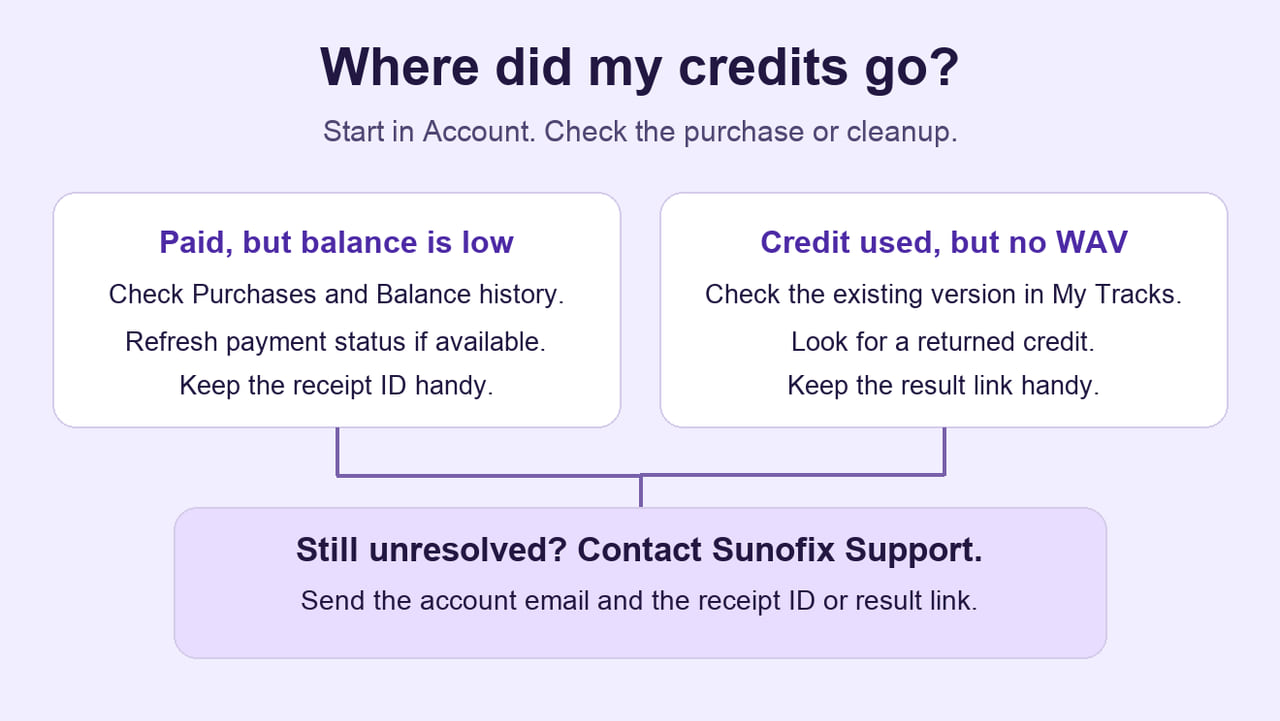
Check your Sunofix accountStart in Account. Use the Sunofix account you were signed into when you paid or started the cleanup. Credits shows what you can use now. Balance history shows credits added or used.

I paid, but the credits didn’t appear
- Find the payment receipt. Check the order or invoice ID, date, amount and currency. If your bank shows a pending charge, check whether the provider issued a receipt confirming payment.
- Look for the order in Account. If Purchases shows Confirming payment, give the confirmation time to arrive and use Refresh payment status when it appears. If the order says Credits added, check Balance history for the credit purchase and any later activity.
- Ask support to trace the payment if the balance still looks wrong. Send your Sunofix account email, provider name, order or receipt ID, purchase date, amount and currency. If two payments went through, include both receipt IDs before making another purchase.
A credit was used, but I don’t see a WAV
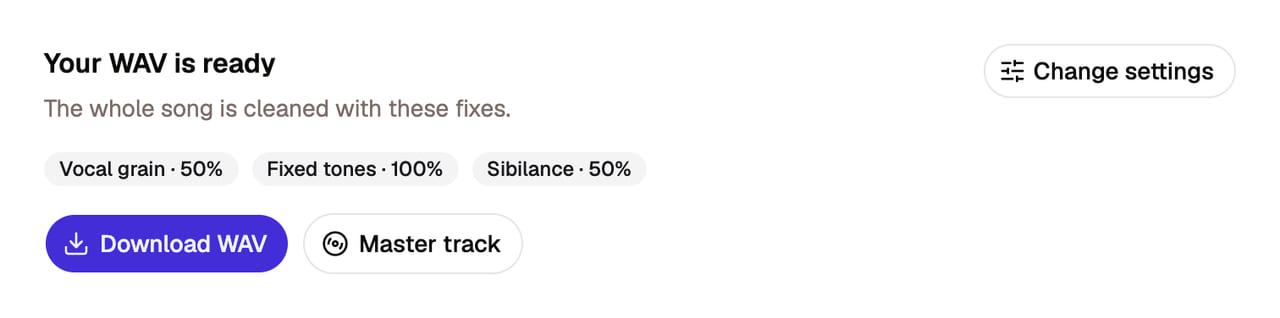
- Check the cleanup you already started. In My Tracks, find the original and look below it for the Bright2 or Deep version. If it’s queued or processing, follow that version. If it’s ready, open it and download your WAV.
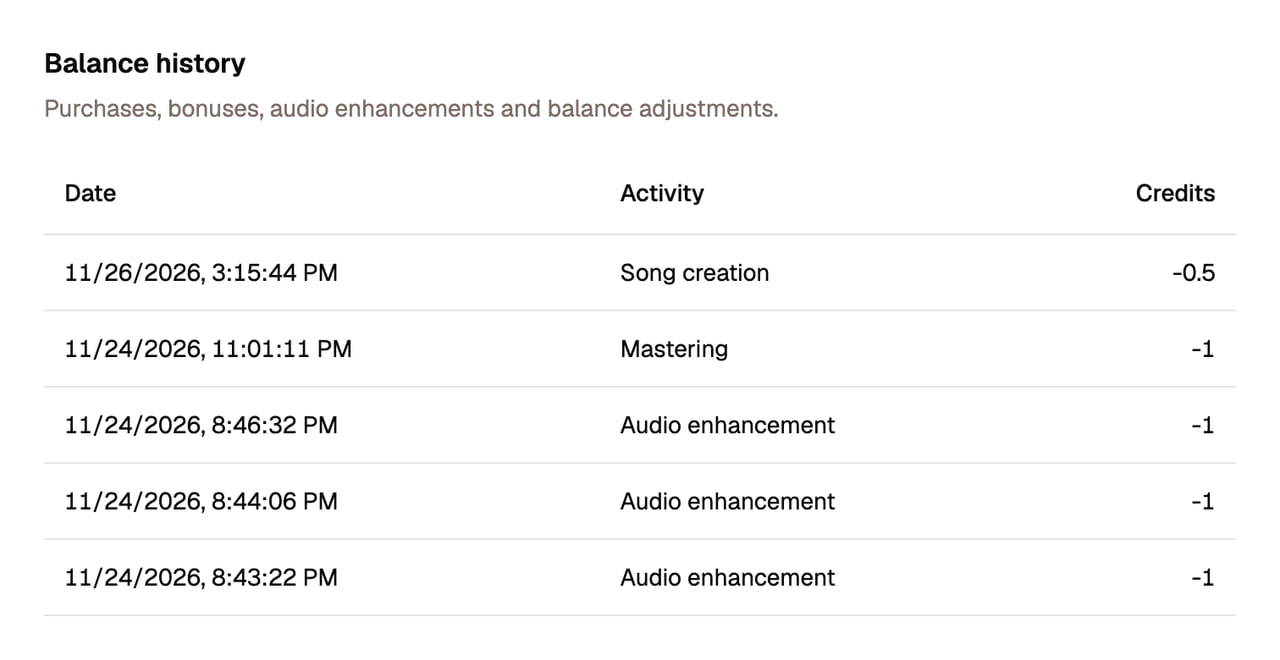
- Check whether the credit came back. In Account → Balance history, look for an Audio enhancement entry and any later Processing refund. Check this before you run the same track again.
- Ask support to check a confirmed failure with no result or returned credit. Include the result page link if you have it, the original filename, the mode you chose, the error you saw, and when it happened with your time zone.
Use Support in the app or write to [email protected] from the email address on your account. For a billing or service problem, Sunofix reviews the payment and processing record and applies the appropriate remedy under the Refund Policy.